AI marketing workshop

Systems, not shortcuts—marketing with AI

I'm Carson Rodrigues: senior engineer and product builder who uses AI in production every day. This session is built for students who want to ship real campaigns, pages, and automations—not slide decks.

0
Students taught
0
Years with AI tools
0
Workshops delivered
0
AI tokens used

Recent session

Latest · 2026

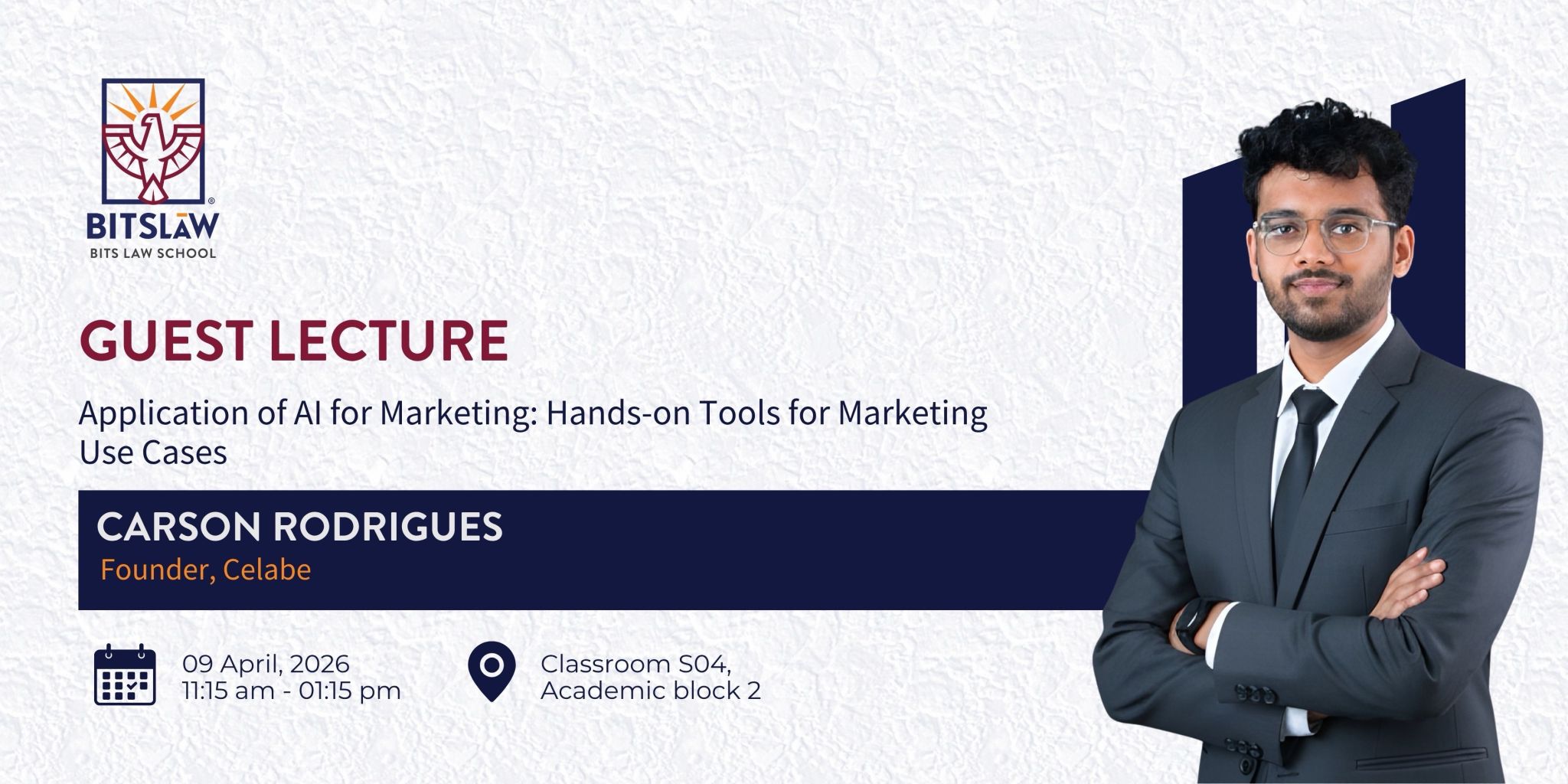
BITS Law School, Mumbai · AI for Marketing guest lecture

Invited as a guest lecturer — turned a typical lecture slot into a hands-on AI build sprint.

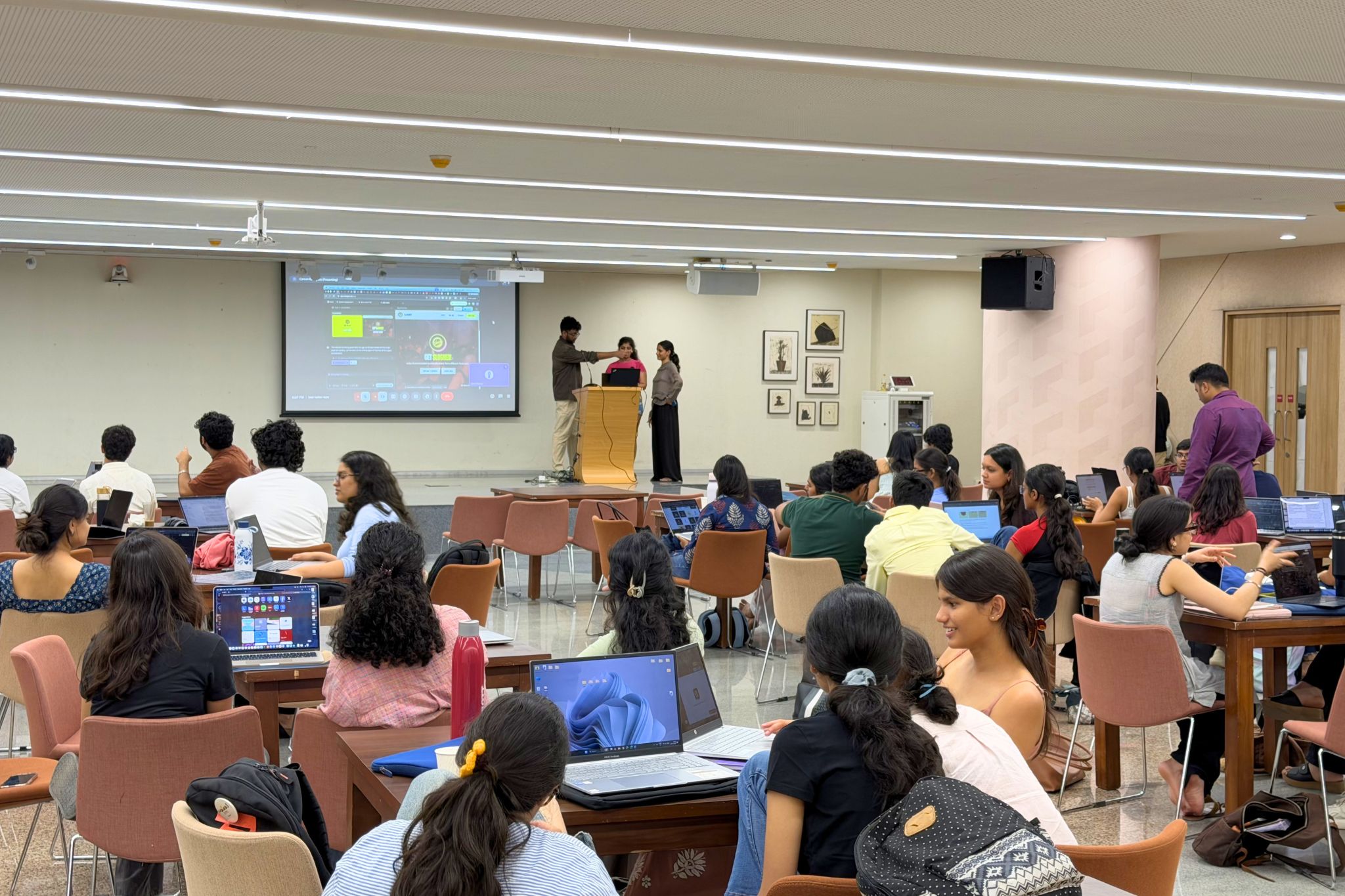
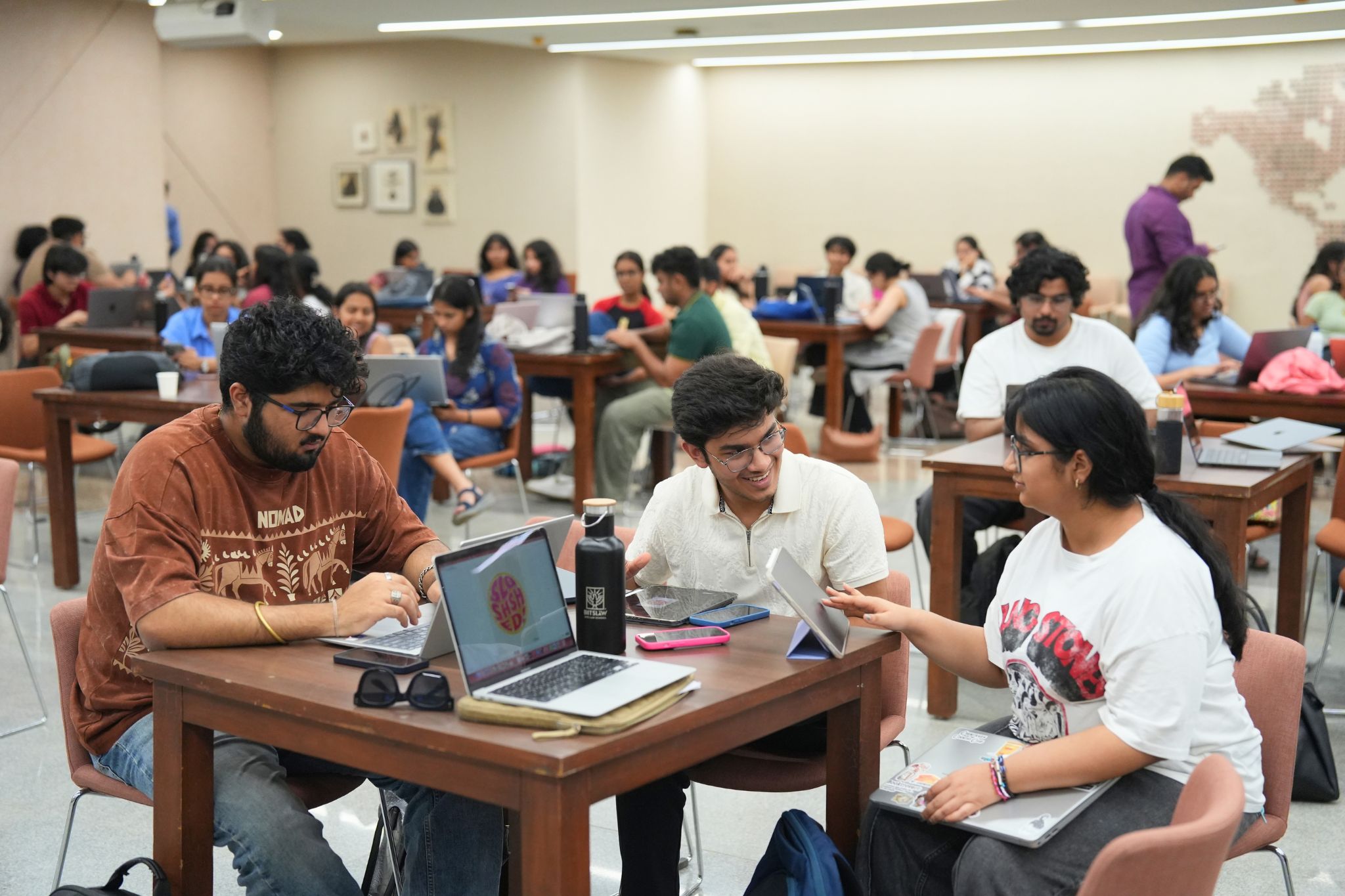
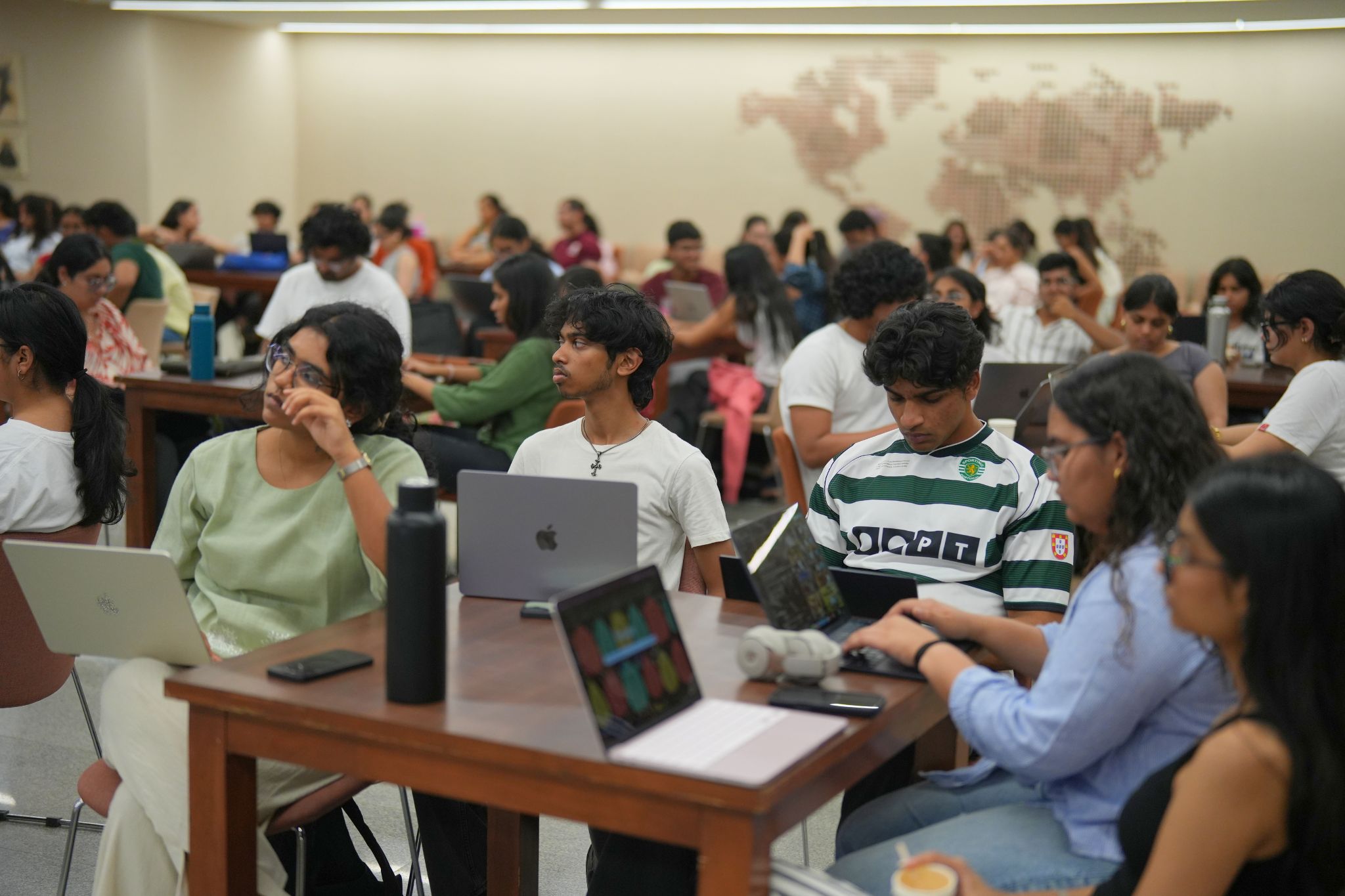
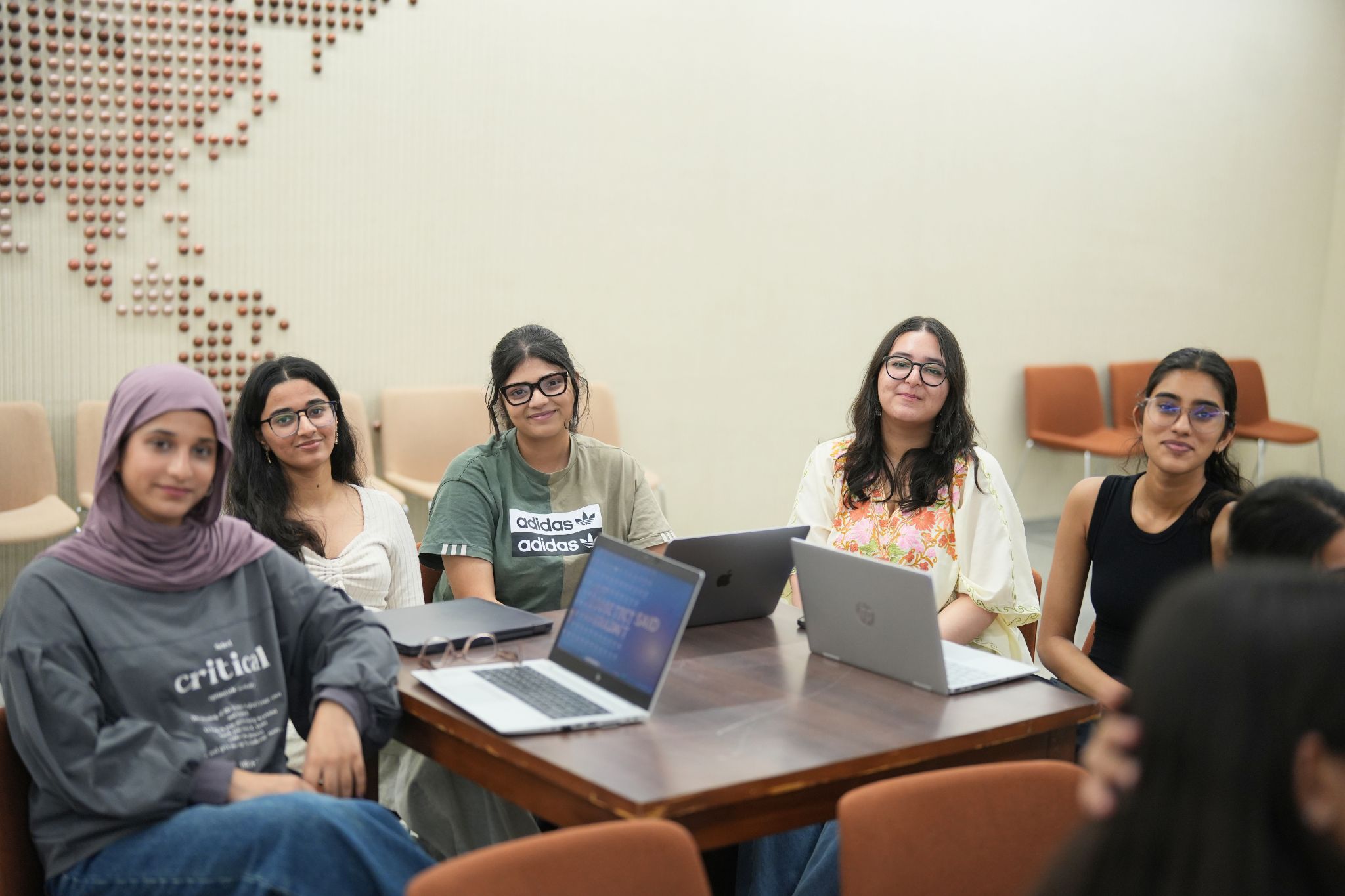
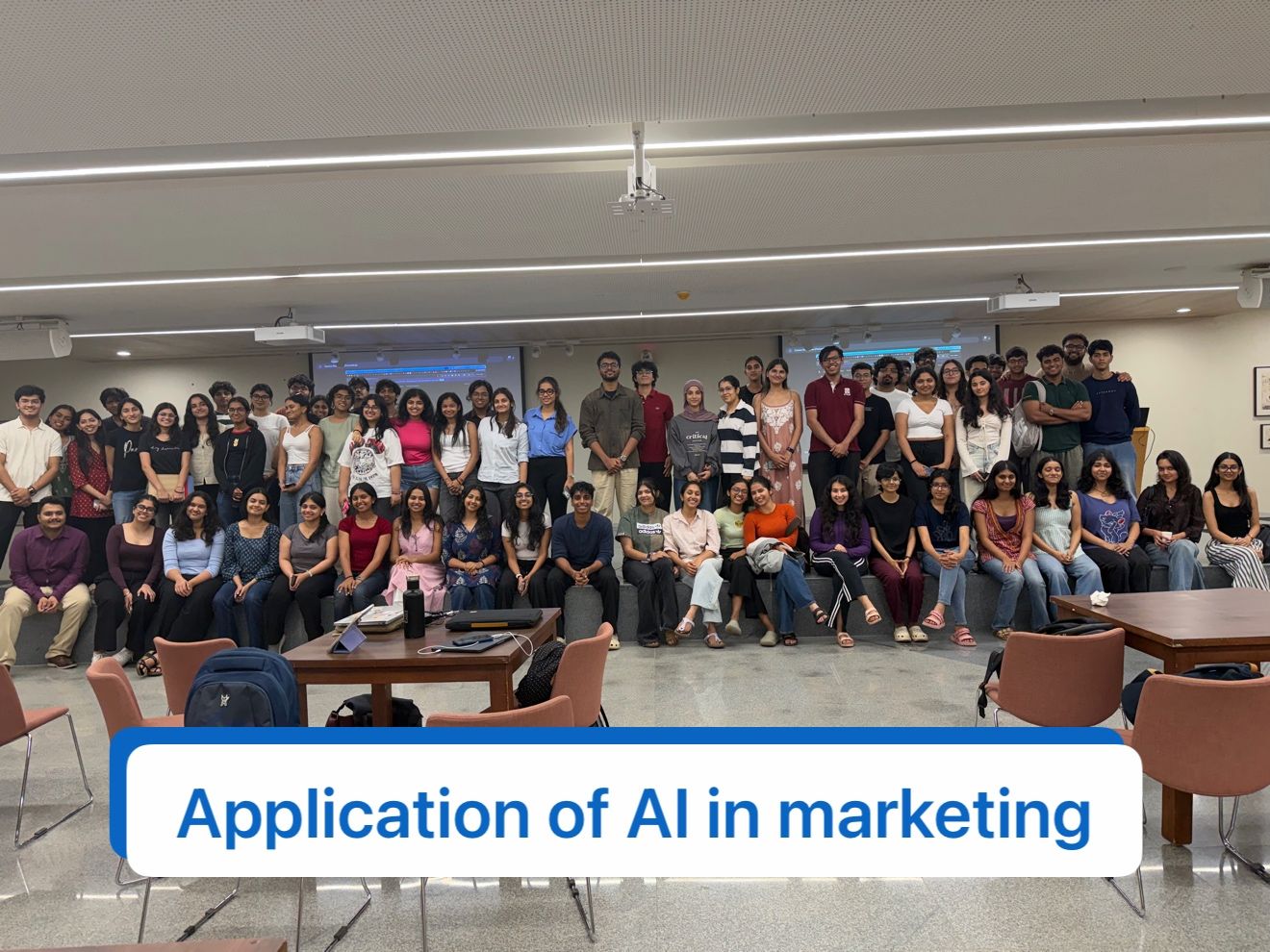
Got invited as a guest lecturer at BITS Law School, Mumbai. We had 75+ students, and instead of a typical guest lecture, we turned it into a hands-on build sprint.

Students worked in teams and shipped:

  • Logos and brand direction
  • Landing pages with brand design
  • Ad creatives — image and video
  • Real AI workflows wired end-to-end

We gave them credits for tools like Emergent and Lamina — and they went all in. The output was honestly crazy. In a few hours, teams went from raw ideas → actual, usable marketing assets.

Big takeaway — students don't want more theory. They want to build, test, and ship.
75+ students Guest lecture Build sprint Logos Landing pages Ad creatives AI workflows Emergent Lamina

Huge thanks to Sai Siddharth Vk for the opportunity, and to the team for the energy in the room. More of this soon 🚀
00

Background

We open with this arc—your experience on the slide deck continues below this timeline with more visuals and demos, so the page and the deck stay in sync.

Co-founder — CELABE
AI-powered wedding platform: planning workflows and automation built from scratch.
Worked with · consulting
VoiceQube
Consulting and delivery on marketing and creative work—ChatGPT, Midjourney, and Canva AI in live campaigns, assets, and production pipelines (the through-line into this workshop).
Worked with · consulting
ÔDASIE
Consulting and engineering services: LLM automation, conversational agents, and MCP integrations for client-facing products.

Same order as the live walkthrough: building CELABE, then client consulting with VoiceQube (marketing & creative AI), then consulting with ÔDASIE (LLM systems & integrations).

By the numbers

Benchmarks from intensive AI marketing workshops: how time is allocated in a typical 3-hour sprint, where AI compresses execution, and how common tool stacks compare across dimensions.

3-hour session split

Minutes per block when we run the full workshop arc—creative through automation.

Total 180 minutes

Traditional vs AI-assisted

Average minutes per campaign phase: classic workflow vs AI-assisted (illustrative benchmarks).

Tool capability profile

Relative strengths across stacks—content/SEO suites, creative generators, and automation layers (normalized 0–100 for comparison).

Zero-code automation spine

Create a table in Zapier Tables, a key in OpenRouter, then wire the Zap: capture → rows → personalized copy → send.

Lead capture Form or ad lead
Trigger
Zapier + Tables Create table · one row per lead
Enrich
OpenRouter API key → personalized message
Send
Resend + CRM Mass & transactional email
01

What I do — and what this session is

I build AI-powered products and workflows: LLM integrations, automation, and go-to-market experiments. In the workshop, I bring that same practitioner lens—live demos, real tools, clear outcomes.

The session moves from foundations (who you are, what you're building) into hands-on execution: positioning and ideas as a group, a shipped web experience with email capture, creative production, distribution basics, and automation. We close by connecting everything to a durable system: Vibe Marketing (methodology + skills + process)—with a playbook you can keep.

02

Understanding you — and what you want to build

We start by clarifying who's in the room: backgrounds, comfort with AI, and what “success” looks like for each team. Then we surface what you want to build—a product, a service, a campus initiative, a personal brand—so every example maps to something you care about.

That context drives the rest of the day: which angle we stress-test, what the landing page promises, and how we write emails and ads. No generic templates—your idea is the case study.

03

Workshop flow (end to end)

From introduction through automation and the Vibe Marketing playbook—linear, practical, and built to ship.

  1. Introduction — then what we do today

    Quick intro (you’ve already seen background on the page—deck goes deeper below), then a plain-English map of the session: outcomes, tools, and how we'll use your ideas as the through-line.

  2. Students & build goals

    We align on skill levels, interests, and what each group wants to launch or learn. That becomes the input for brainstorming and creative direction.

    DiscoveryICPOffer
  3. Groups, ideas & marketing brainstorm

    We pick a group and their idea, then pressure-test positioning, channels, hooks, and messages. Everyone contributes; we leave with a concrete angle and proof points.

    PositioningChannelsHooks
  4. Logo & brand in Adobe Express — before Emergent

    We generate a logo (and any quick Express-native visuals you want on the first landing) before the Emergent build is done, so the site ships with real brand marks—not gray boxes. Open Adobe Express from the link below (starts in generative media / text-to-video; jump to logos or other templates from the same workspace as needed).

    Adobe ExpressLogoBrand
    Sample prompt — logo / wordmark brief

    Paste into Express generative flows or any logo tool; tighten after your brainstorm positioning.

    Design a logo system for [PRODUCT NAME].
    
    Audience: [AUDIENCE]. Personality: [3 adjectives, e.g. confident, friendly, technical].
    
    Deliver:
    - Primary mark: simple icon or monogram readable at 24px
    - Wordmark: clean sans or [specify style]; max 2 weights
    - Color: [PRIMARY] + [ACCENT] on [LIGHT/DARK] background
    - Avoid: gradients busier than 2 stops, thin hairlines, cliché symbols (generic rocket/lightbulb unless on-brand)
    
    Output: describe the mark + wordmark in 5 bullets, then 3 “do not” rules for designers.
  5. Build an app / site with Emergent — capture emails

    After the logo (and any Express assets) are in place, we ship a real landing or micro-site in Emergent, wired to collect signups. Goal: a credible surface you can share—plus a list you can actually message.

    EmergentLandingLead capture
  6. Ad creatives — image & video

    Produce campaign-ready stills and short video using Google Gemini, Kling, AdCreative.ai, and Kittl (secondary, template-led graphics). We tie visuals back to the angle we chose—not random generations.

    GeminiKlingAdCreativeKittl
    Sample prompt — campaign still (image)

    Replace bracketed placeholders with your brainstorm. Use in Gemini (Imagen), similar image models, or as a brief for AdCreative.ai / Kittl.

    Role: You are an art director for paid social.
    
    Task: One square (1:1) key visual for [PRODUCT/SERVICE] aimed at [AUDIENCE].
    
    Composition: Single clear focal subject; generous negative space for post-production headline overlay; no text baked into the image.
    
    Look & feel: [e.g. cinematic, minimal studio, documentary handheld]. Lighting: [e.g. soft key + rim]. Color: align to [BRAND COLORS], avoid rainbow gradients.
    
    Constraints: No watermarks, no extra fingers, no cluttered background, no fake UI screenshots unless we explicitly ask.
    
    Output: Describe the shot in 4–6 sentences, then list 3 negative prompts to keep generations on-brand.
    Sample prompt — short ad clip (video)

    Tuned for Kling-style video: duration, aspect ratio, and beats. Paste your positioning line from the brainstorm.

    Format: Vertical 9:16, [4–6] seconds, 24fps feel, single continuous take or max 2 cuts.
    
    Product: [PRODUCT]. Audience: [AUDIENCE]. Promise in one line: [VALUE PROP].
    
    Scene beats:
    0–1s — Pattern-interrupt hook (specific visual, not generic stock).
    1–3s — Show the problem or tension in one gesture or environment.
    3–5s — Reveal the product in use; face or hands in frame for trust.
    5–6s — End on a clean hero frame with safe space for logo/CTA (no on-screen text in the render).
    
    Style: [lighting + lens + mood]. Audio: silent OR subtle SFX only (no licensed music).
    
    Avoid: morphing faces, illegible text, busy backgrounds, unrelated B-roll.
    Sample prompt — ad variants (headlines & primary text)

    Use inside AdCreative.ai, Kittl, or any LLM before pushing to Meta/Google. Keeps hooks aligned with your angle.

    Generate 6 Meta ad variants (3 Feed + 3 Stories mindset) for cold traffic.
    
    Offer: [OFFER]. Audience: [AUDIENCE]. Proof we can cite: [PROOF].
    
    For each variant give:
    - Headline: max 40 characters
    - Primary text: max 125 characters, one clear CTA
    - Optional description: under 30 characters
    
    Split: 2 urgency-led, 2 curiosity-led, 2 proof-led. Tone: [e.g. direct, witty, premium]. Ban vague words like “revolutionary” and “world-class” unless justified.
  7. ~15 min demo — Lamina AI

    Lamina (uselamina.ai) is an all-in-one storyboard-style layer for short-form video—reels, TikToks, trailers, and YouTube Shorts—so you spend less time juggling models, tools, and prompts.

    LaminaShort-form videoLive demo
    Sample prompt — short-form storyboard (Reels / TikTok / Shorts)

    Use as a single block in Lamina or any storyboard tool; adjust seconds per beat to the platform.

    Video: [30–45]s [Reels | TikTok | Shorts] for [PRODUCT]. Audience: [AUDIENCE]. CTA: [ACTION].
    
    Beat 1 (0–3s): Hook on camera or bold visual; first line of voiceover/text plan: [LINE].
    Beat 2 (3–12s): Agitate problem with one concrete scenario; show emotion, not statistics.
    Beat 3 (12–24s): Introduce product as the pivot; one demo or before/after beat.
    Beat 4 (24–end): Proof (testimonial, metric, or result) then CTA + handle.
    
    Visual style: [e.g. UGC handheld / polished studio]. Captions: plan key 3–5 words per beat (we add in editor).
    
    Avoid: generic office B-roll, stock “happy diverse team,” unrelated trending sounds.
  8. SEO, copy & distribution discipline

    How search and on-page copy fit the same story as your ads. Human checkpoints, structure for clarity, and what to automate vs. what to own.

    SEOCopyQuality bar
  9. Zapier — marketing automation & personalized email

    1) Create your lead table in Zapier Tables (columns for email, name, segment, etc.). 2) Create an API key in OpenRouter—we use it from a Zap (Webhooks or Code) to turn each row into a one-to-one message. 3) Deliver with Resend. Same pattern: tokens, guardrails, no manual copy-paste.

    ZapierZapier TablesOpenRouterResend
  10. Prompts & skills

    Why long prompts hit a ceiling—and why skills (structured methodology) plus good context beat generic chat. We set up how you'll reuse patterns across copy, research, and creative briefs—right before we tie everything to the playbook.

    MethodologyContextRepeatability
  11. Vibe Marketing — the playbook

    We connect the day to Vibe Marketing: research, methodology (skills), and process—why compound growth beats hype. The full framework lives in the companion playbook site (open resources, prompts, stacks).

    PlaybookSystems
04

Resources & links

Quick references aligned with the flow above—same URLs we use in session.

Claude for Marketing

Official Anthropic tutorial: voice, writing, brainstorm, and learning prompts for marketing workflows.

claude.com/resources/tutorials/claude-for-marketing →

Marketing skills

Open agent skills for CRO, copy, SEO, ads, analytics—usable in Claude Code, Cursor, and compatible agents.

github.com/coreyhaines31/marketingskills →

Lamina AI

~15 min demo: storyboard-style short-form video (reels, TikToks, trailers, Shorts) with fewer tool hops.

app.uselamina.ai →

Kling AI

Video generation for campaign clips and iterations alongside stills.

kling.ai →

Zapier — Marketing

Lead capture, nurture, content ops, and stack glue—official marketing automation overview.

zapier.com/solutions/marketing →

Zapier Tables

Create your workshop lead table here first—columns for email, name, segment, then Zaps on new or updated rows.

tables.zapier.com — get started →

OpenRouter

Create an API key here for personalized copy—use it from Zapier (HTTP/Code) with your chosen model; pass row fields in, get a tailored message out before Resend sends.

openrouter.ai — create API key →

Resend

Mass and transactional email over the API—pair with Zapier or your own code. Start from the API keys dashboard to provision keys and domains for production sends.

resend.com/api-keys →

AdCreative.ai

AI-assisted ad creative generation and variants—pair with your positioning from the brainstorm.

adcreative.ai →

Kittl

Secondary pick for templates, merch, and social graphics—quick iterations when you want a design-first editor alongside generative ads.

kittl.com →

Adobe Express

Logo and Express-native creatives before Emergent: brand marks on the page from day one. Link opens a new Express project (generative media / text-to-video preset—switch to logos or other formats in-app).

new.express.adobe.com →

Emergent

Ship landing pages and apps from prompt to deploy; we wire email capture in the workshop block—after the logo Express pass.

app.emergent.sh →
05

Vibe Marketing playbook

Process over prompts

Open the full playbook: layers (research, methodology, process), skill stacks, research templates, expert review, SEO/paid/organic, and copy-paste prompts—same system we reference in the workshop.

Open playbook
06

Session formats

Power talk

1–2 hours, lecture plus live demos. Full-stack overview compressed for orientation events.

Workshop

Half-day hands-on: groups ship a page, creatives, and an automation sketch tied to one idea.

Bootcamp

Multi-day deep dive: every block expanded with critique, iterations, and optional take-home projects.

Collaborate on your session

Flexible format, duration, and depth. Let's align on your cohort and outcomes.